
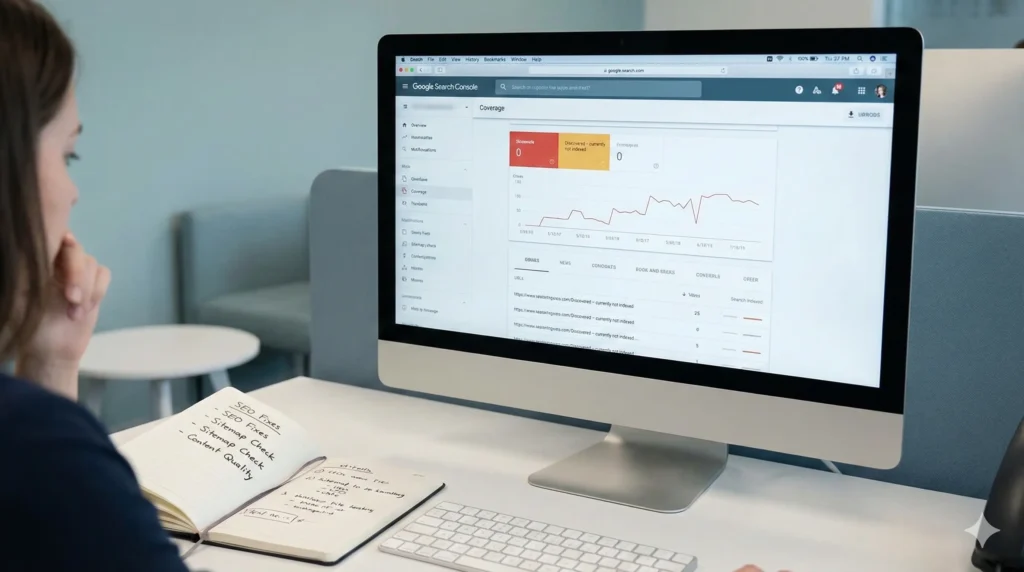
If you are running a website and tracking it through Google Search Console, at one point or the other, the frustrating message you could get is: “Discovered – Currently Not Indexed.” This is one of the most common indexing issues faced by website owners, bloggers, and SEO professionals.
In this comprehensive guide, you will understand what “Discovered – Currently Not Indexed” actually means, for what reason it occurs, and most importantly, how to fix this issue step by step with the use of approved SEO and technical optimization strategies.
What Does “Discovered – Currently Not Indexed” Mean?
When Google shows “Discovered – Currently Not Indexed” status, it means:
Google has found the URL:
The page is in Google’s discovery queue.
But Google has not yet crawled or indexed it.
Simply said, Google is aware of the existence of your page, yet it chooses not to crawl or index it.
This is contrastive to:
Crawled – Currently Not Indexed: page was crawled, but not indexed.
Excluded by noindex (deliberately blocked)
Why is this issue important?
Pages that are “Discovered – Currently Not Indexed”
Do not appear in Google search results
Get zero organic traffic
Waste your SEO efforts
If important pages, such as blogs, product pages, or landing pages, remain in this status for weeks or months, that will significantly impede your SEO growth and rankings.
Main Reasons for “Discovered – Currently Not Indexed” Issue
- Crawl Budget Limitations
Google allocates a certain crawl budget to every website. If:
Your website has lots of low-quality pages.
Thin or duplicated content
Poor internal linking
Google may delay crawling new URLs.
2️⃣ Low Content Quality or Thin Content
Google does not index pages that:
Have very little content.
Are auto-generated
Provide no unique value
Thin content is one of the main causes for delays in indexing.
- Poor Internal Linking
If your page:
is not linked from other pages
is buried deep in the site structure
Google might find it through sitemap and yet not crawl it.
4️⃣ Server or Performance Issues
Slow sites can discourage Googlebot from crawling pages efficiently.
Common issues include:
Slow hosting
High server response time
Frequent downtime
5️⃣ Duplicate or Similar Content
If Google finds:
Similar content among different URLs
Near-duplicate blog entries
It can select only one version for indexing and disregard the others.
6️⃣ Weak Domain Authority or New Website
For brand new websites or low-authority domains:
Google takes more time to trust content
Indexing may be delayed This is normal, but can be improved with the proper SEO actions.
How to Fix “Discovered – Currently Not Indexed” Step by Step
Improve the quality of your content above all else.
Make certain that the affected page:
Has at least 800–1200 words (blog posts)
Is well-structured with H1, H2, H3
Provides unique, helpful information.
Matches search intent
Tip: Update thin pages rather than deleting them.
Strengthen Internal Linking
Internal links help Google to understand page importance.
Best practices:
Link the page from relevant, indexed pages
Use descriptive anchor text.
Add links from your home or category pages
This signals Google that the page is valuable and crawl-worthy.
Step 3: Crawl Budget Optimization
Reduce unnecessary crawling by:
Low-quality URL removal
Blocking useless pages via robots.txt – filters, tags, parameters
Avoiding Duplicate URLs
This allows Google to focus on your important pages.
Step 4: Upload an updated XML sitemap
Ensure:
The page is included in your XML sitemap
Sitemap is clean and error-free
Sitemap is submitted in Google Search Console
Then request sitemap reprocessing.
Step 5: Use URL Inspection Tool Correctly
In Google Search Console:
Paste the affected URL
Click Request Indexing
Do this only after improving the page
Do not spam this feature; repeated requests may be ignored by Google.
Step 6: Check technical SEO issues
Audit your page for:
No accidental noindex tags
No canonical pointing to another page
No blocked resources
Proper HTTP status: 200 OK
Even a small technical error may block indexing.
Step 7: Improve Website Speed & Core Web Vitals
Google favors fast websites.
What to do:
Optimize images
Enable caching
Use a CDN
Improve Hosting Quality
Better performance means better crawl efficiency.
Step 8: Create External Cues Optional but Powerful
Backlinks help Google discover and prioritize pages.
Ways to do this:
Share content via social media
Get internal brand mentions
Build a few quality backlinks
Even 1–2 quality links can speed up indexing.
How Long Does It Take to Fix This Issue?
There is no fixed timeline, but on average:
Small sites: 3–14 days
Medium sites: 1–4 weeks
New sites: 2–8 weeks
Consistency and quality are what matter.
Discovered – Currently Not Indexed” vs. “Crawled – Currently Not Indexed”
Status Meaning
Discovered – Not Indexed Google hasn’t crawled yet
Crawled – Not Indexed Google crawled but didn’t index
The issues discovered usually have to do with crawl priority, whereas the issues crawled are more about content quality.
ℹ️ Common Mistakes to Avoid
❌ Begging for indexing
Avoid publishing low-quality AI content without edits.
X Creating too many similar pages
X Ignoring internal linking
❌ Deleting pages too quickly
These errors can further delay indexing.
Best Practices to Prevent This Issue in Future
Publish fewer, higher quality pages
Keep a clean site structure
Use proper internal linking strategy.
Audit Search Console regularly Focus on user-first content. Prevention is easier than correction later on.
🔹 Final Thoughts
The “Discovered – Not Indexed Yet” issue is not an actual penalty, but indicates that Google has a need for additional signals in order to give the page precedence. You should spend time improving your internal linking structure, technical SEO, and content quality in order to eventually get most of your pages indexed by Google.
If you need quick assistance with identifying indexing issues, CapsDigital can give you actionable and Google-compliant SEO recommendations. Provided you apply a clear and consistent strategy, indexing issues can be quickly resolved.